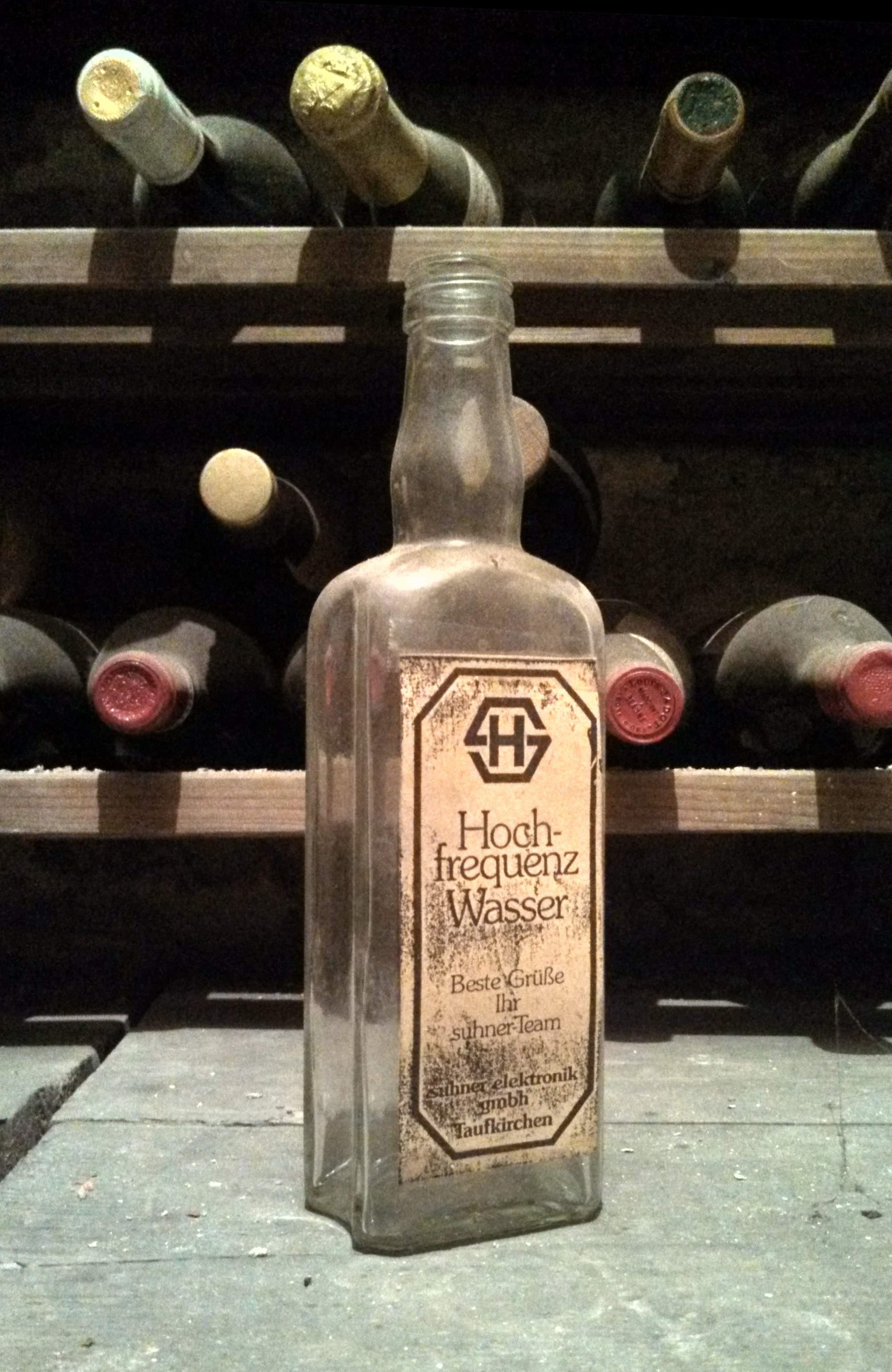
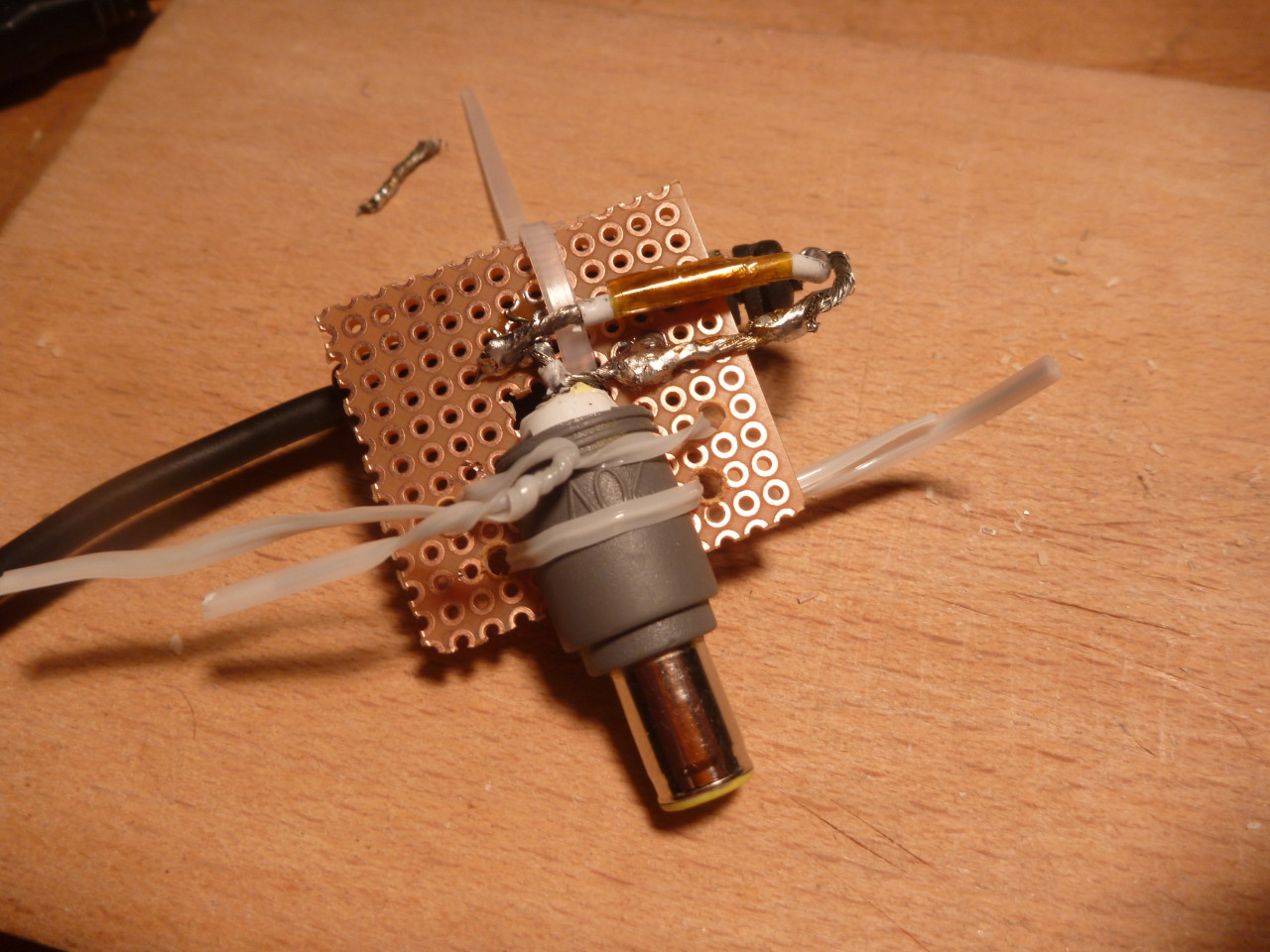
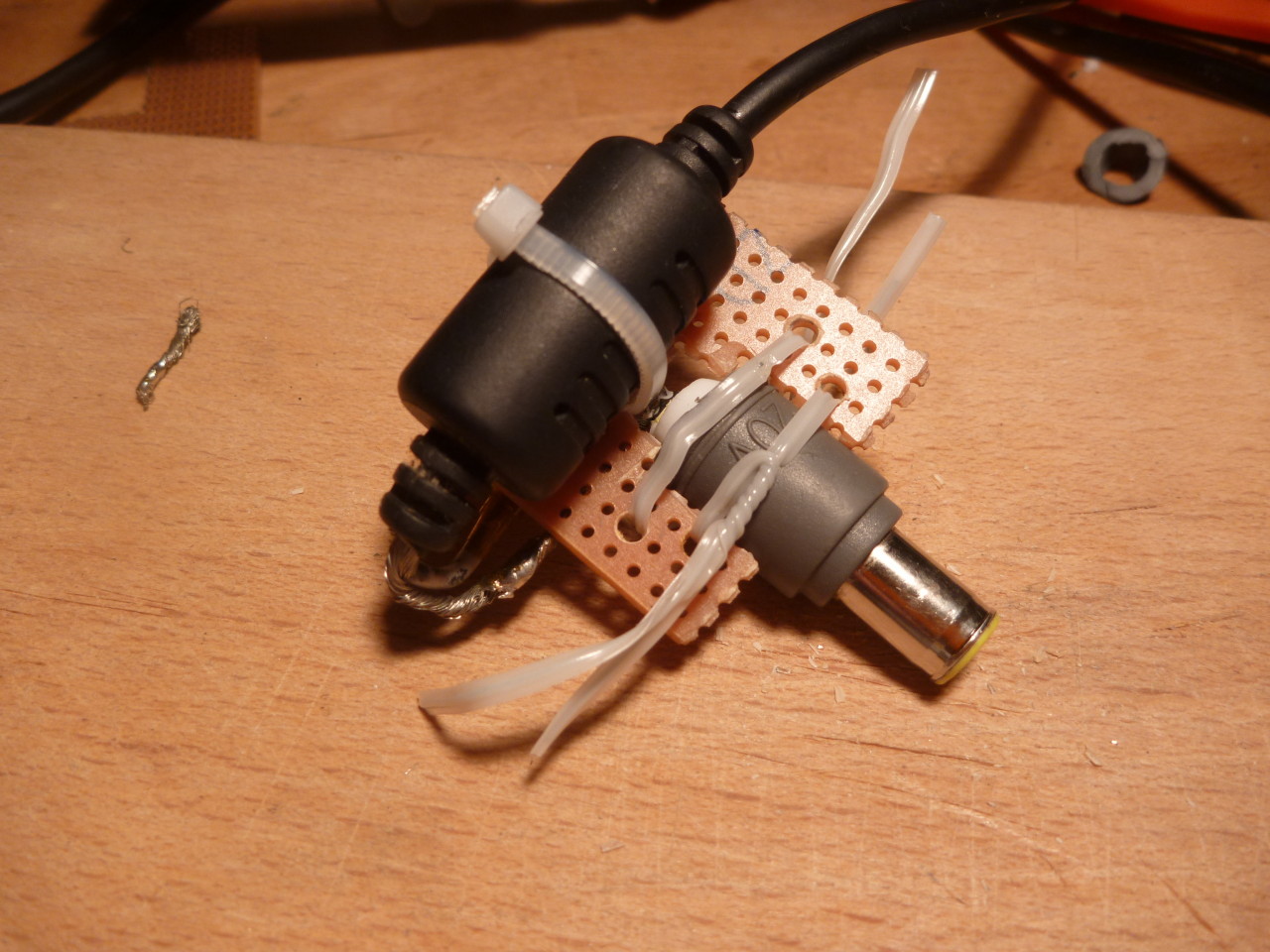
...aber nicht sehr schön

Here’s another nice use case for the µc³ r0ket:
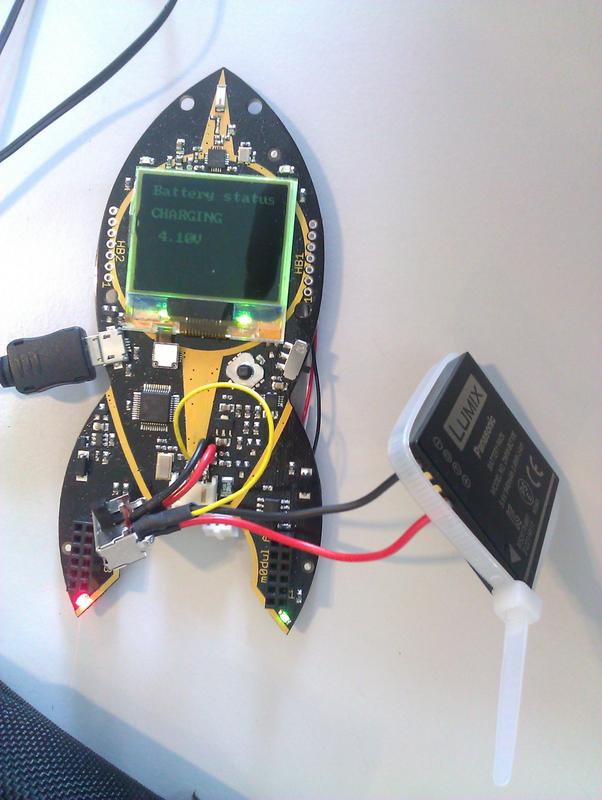
Since it features a build in 3.7V LiPo cell and a fitting charging controller the r0ket basically can be used to charge LiPo or LiIon single cell batteries found in phones, media players, cameras or even toy helicopters.
After I realized that I had forgot to charge my camera and didn’t bring a charger to the easterhegg either I was happy that I already had set up one of my r0kets for charging external batteries.
First you have to unplug the build in LiPo battery and attach the VCC (right) and Ground (middle) pins to the appropriate pins of the cell you want to charge. If the battery you are about to charge has a temperature sensor connect it to the leftmost pin on your r0ket. Otherwise connect the left and middle pins with a 10k resistor.
With the voltage l0dable you will even be able to monitor the charging progress.
WARNING: This setup is only meant for single cell LiIon or LiPo batteries. Bad things will start to happen, if you try to charge multiple cells in series. Also keep in mind that lithium cells can burn or even explode if not handled properly, so always be careful and don’t blame me if you fuck up your carpet.
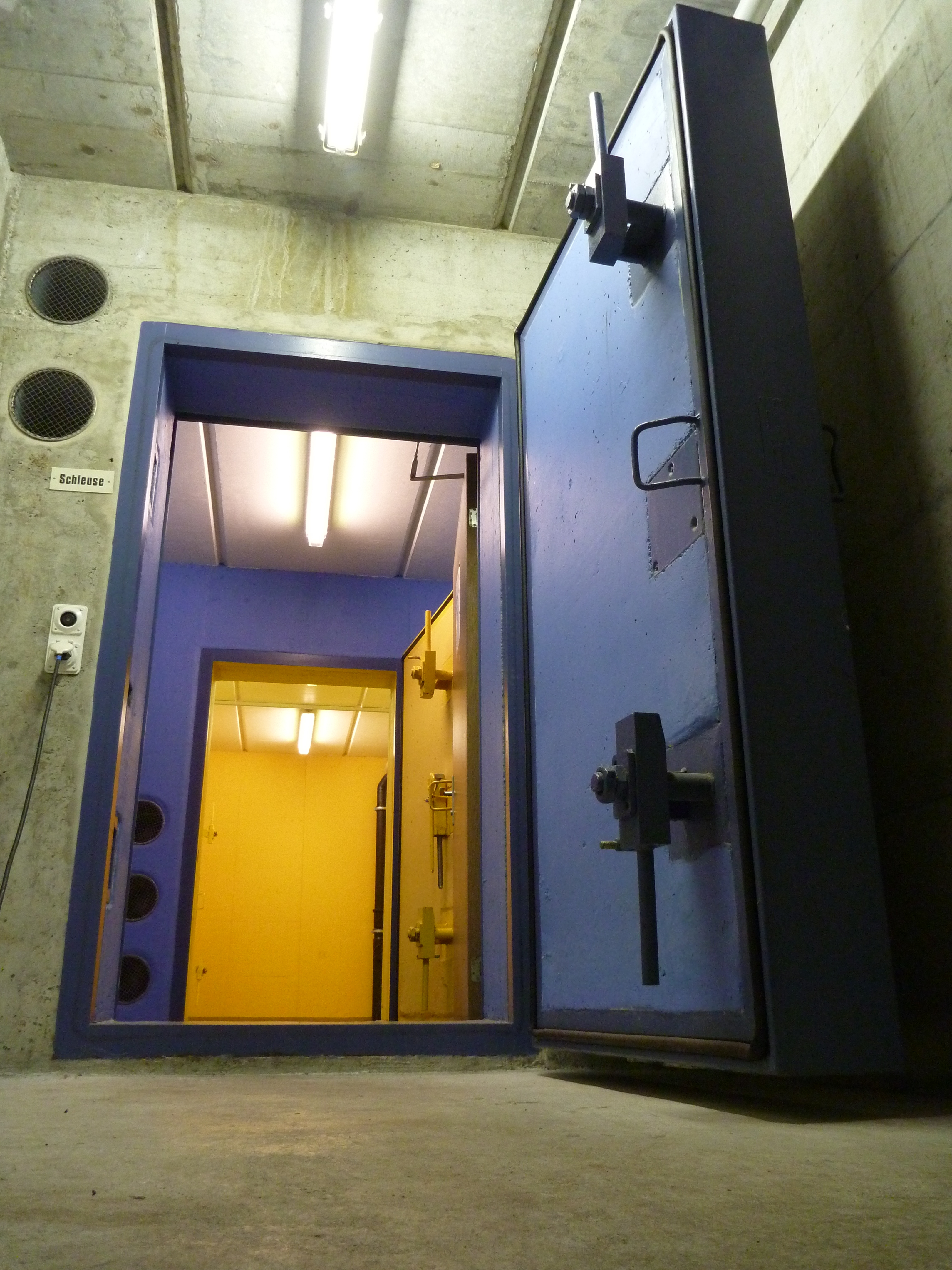
Das Easterhegg Easterhegg im Congress Zentrum Basel ist gerade gestartet. Wir wohnen atomschlagsicher(?) drei Geschosse Tiefe in der Zivilschutzanlage neben.
im Congress Zentrum Basel ist gerade gestartet. Wir wohnen atomschlagsicher(?) drei Geschosse Tiefe in der Zivilschutzanlage neben.

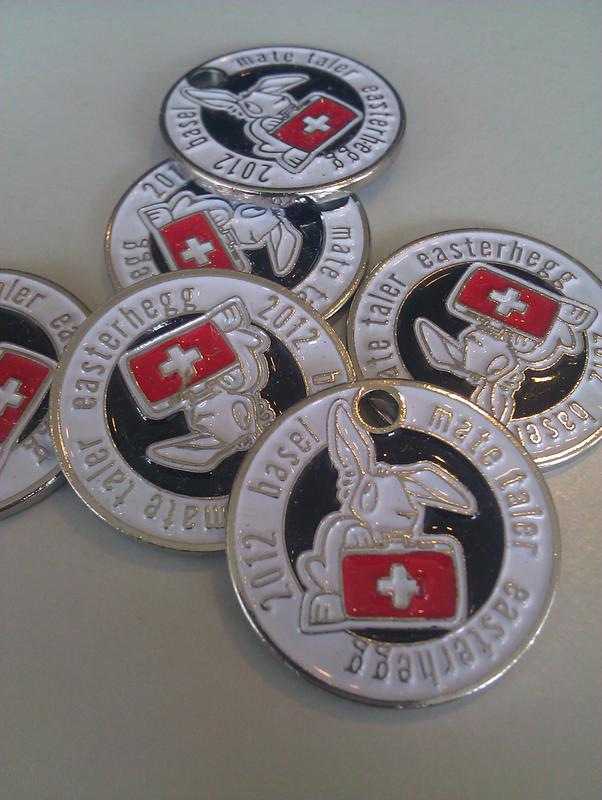
Um den Nichtschweizern das Umtauschen von Euros in Franken zu ersparen gibt’s die schicken Matetaler für alle hegginternen Ausgaben:
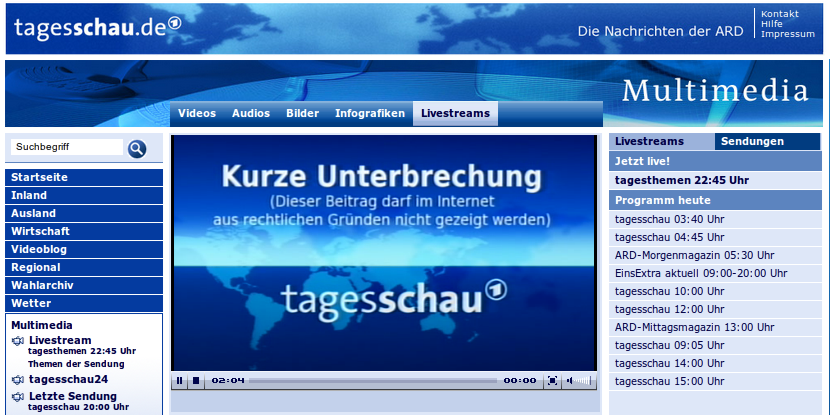
Versteh’ ich das jetzt richtig? Wenn man ein wenig unfreie Musik z.B. bei der nächsten Pressekonferenz mit unangenehmen Inhalt im Hintergrund laufen lässt, dann blenden die Tagesthemen den kompletten Beitrag in der Onlineausgabe einfach aus? Diesmal hat es wohl “nur” den Beitrag zu Whitney Houstons Tod getroffen, nichtsdestotrotz: Geht’s eigentlich noch?!?
Wieder mal ein Fall der zeigt, dass das Urheberrecht in seiner jetzigen Form völlig unausgewogen ist und dringend an die Realität angepasst gehört.
Follow the instructions on the r0ket wiki and get an awesame nickanimation like this:
Per request, here are some pictures of my micro-m0dule for the Chaos Communication Camp r0ket-badge:
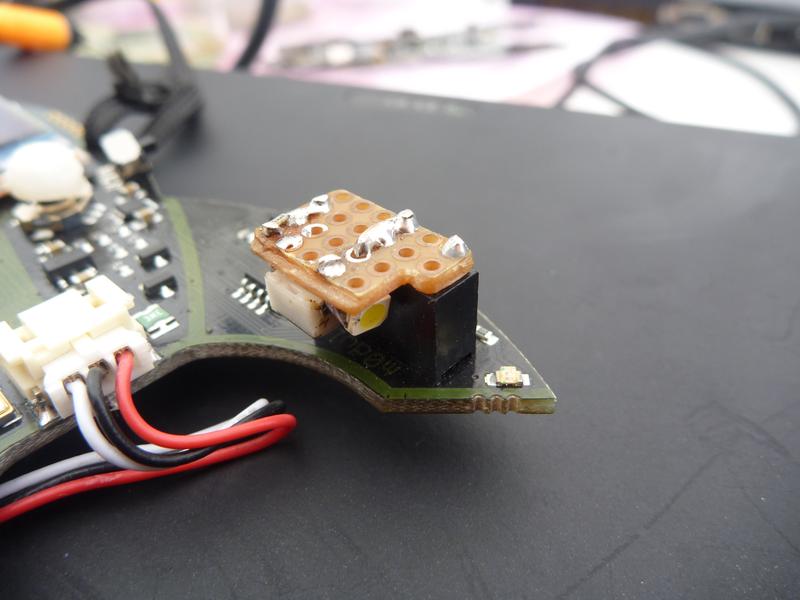
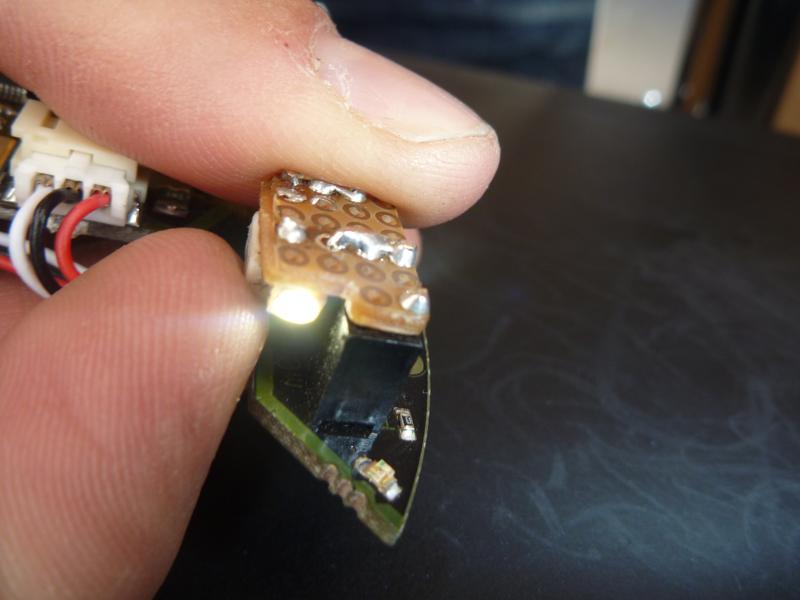
This is probably the simplest possible m0dule one can build. I only used left overs: A white smd-led, a smd-resistor, a little bit of perfboard and a few wires.
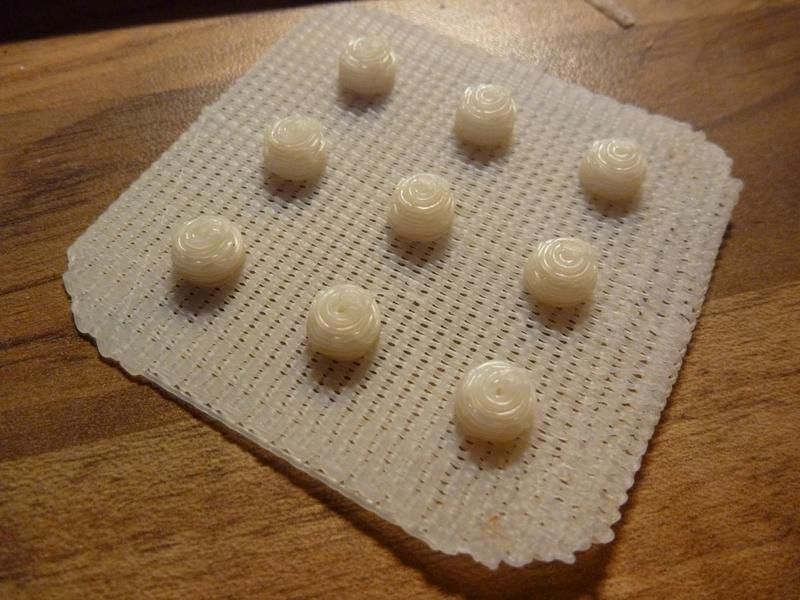
Every attendee of the Chaos Communication Camp 2011 get a r0ket-badge. It is possible to enhance the 5-way-switch to get a better look an feel by using a 3D-printer to manufacture a nipple-mouse for it.
Here a some pictures of the r0ket with and without the printed cap.
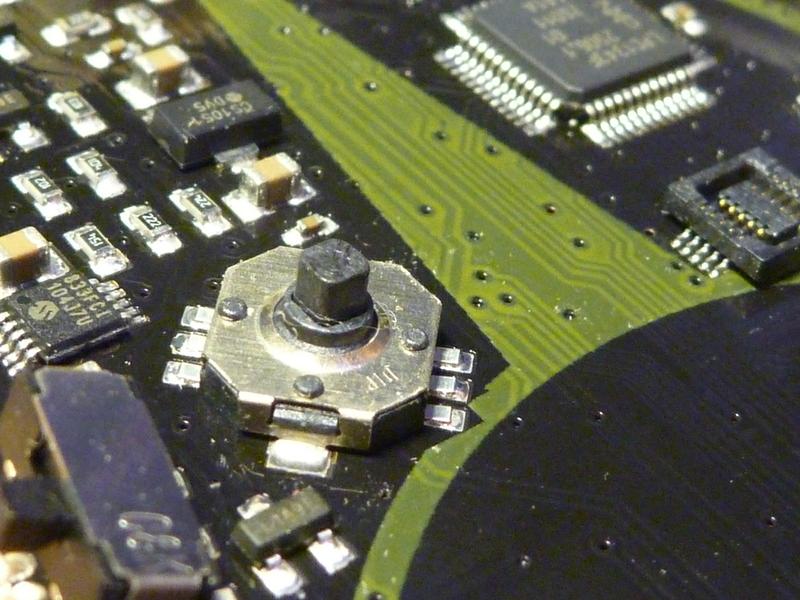
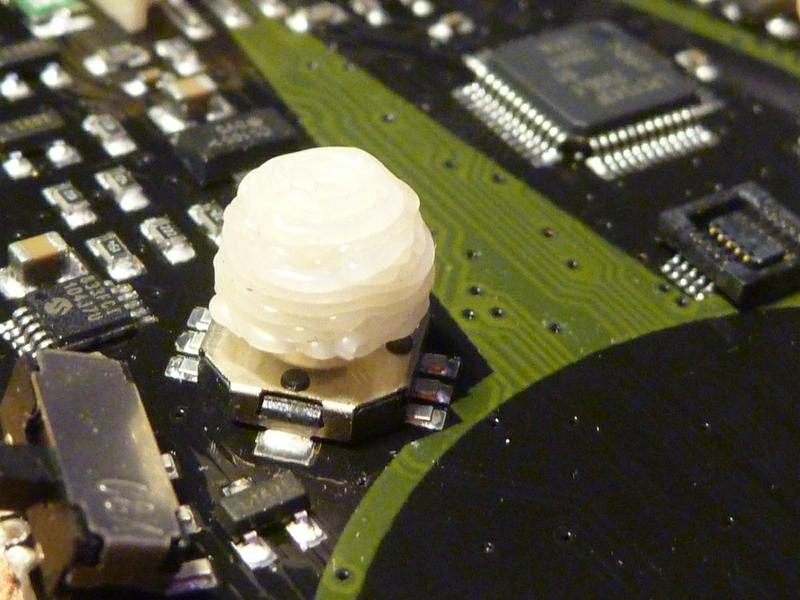
You can get the .STL at thingiverse.com and print your own:

Seit Kurzem gibt es im Münchener Süden an der Herterichstr. einen Pumptrack. Nachdem ich heute zum ersten Mal dort war und ein paar Runden gedreht habe bin ich echt begeistert.
Respekt und viele Dank an die Leute die es geschafft haben die Stadt zum Bau dieser Anlage zu bewegen. Wieviel Überzeugungsarbeit da notwendig war, will ich mir gar nicht vorstellen…
Es gibt auch schon ein nettes, kleines Video: